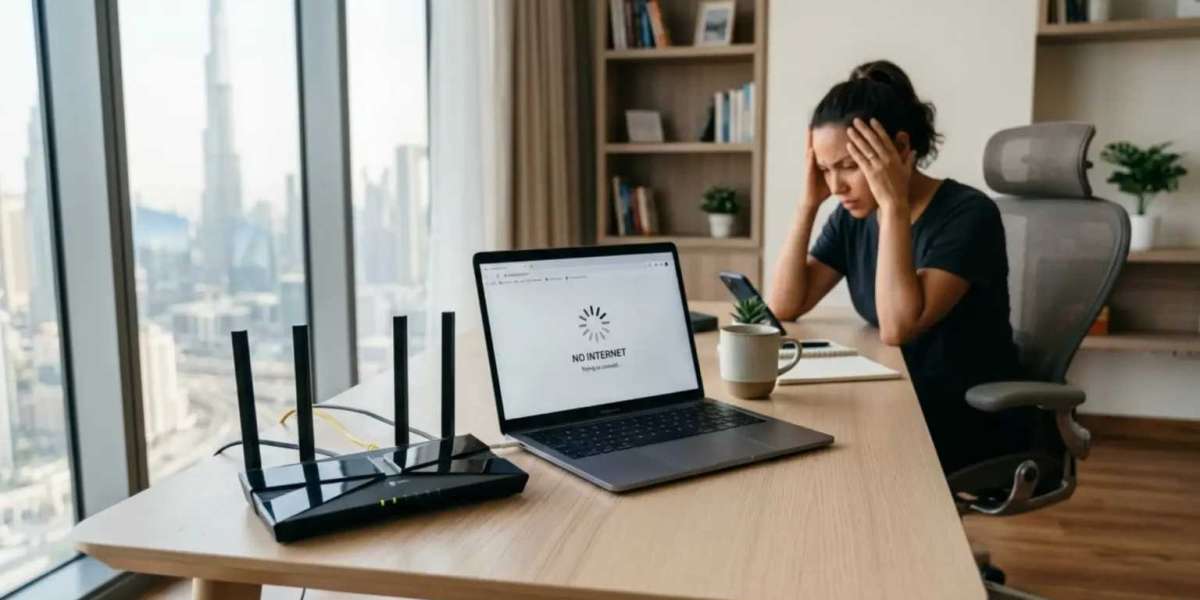

A slow internet connection can affect everything from work meetings to streaming and online gaming. While the service provider may sometimes be responsible, many slow connection problems begin with the router. The router controls how internet speed is shared across the home.
Common router setup mistakes can create weak signals, unstable connections, and poor device performance. Checking the router setup should always be part of troubleshooting slow internet.
Incorrect Router Location
Router location affects both speed and stability. If the router is placed in a far corner, inside a cabinet, or near thick walls, the signal becomes weaker. Devices farther away may stay connected but perform slowly.
Move the router to an open and central location. Keep it away from floors and closed spaces. A better location allows the signal to reach more rooms with less loss. In some homes, changing the location can solve slow internet in specific areas.
Weak Wireless Signal
A weak signal often looks like slow internet. The device may show WiFi connected, but the quality of that connection may be poor. Walls, distance, mirrors, and appliances can reduce signal strength.
Test the connection near the router and then in the problem area. If speed is much faster near the router, the issue is wireless coverage. You may need better router placement, a mesh system, or a wired access point.
Overloaded Network Traffic
Too many active devices can slow the internet connection. A home may have phones, laptops, TVs, gaming consoles, cameras, speakers, and smart appliances connected at the same time. Heavy activities such as streaming, gaming, downloads, and cloud backups use more bandwidth.
Check the connected devices list. Remove old or unknown devices. Pause unnecessary downloads during important calls or streaming. If the router supports traffic priority, use it for devices that need stable speed.
Poor Router Security
Poor security can lead to unauthorized users on the network. Extra users can reduce speed and create privacy risks. This is common when the WiFi password is simple or has been shared many times.
Use a strong password and change it if needed. Review the device list after changing the password. Also change the router admin password so settings remain protected. Good security keeps bandwidth available for trusted devices.
Outdated Firmware
Firmware affects how the router handles traffic, security, and wireless performance. If firmware is outdated, the router may suffer from bugs or compatibility issues. This can lead to slow browsing or random drops.
Check for updates using the official router app or admin page. Install updates carefully and restart the router afterward. Firmware updates can improve stability and performance without changing hardware.
Wrong DNS or Advanced Settings
Some users change advanced settings without understanding them. Wrong DNS settings, channel width, IP settings, or firewall options can create connection problems. While advanced settings can be useful, incorrect changes may slow the network.
If slow internet started after changing router settings, review those changes. Restore only the settings you understand. If needed, use default automatic settings for DNS and network configuration. Avoid factory reset unless you are ready to set up the router again.
Wrong Band Selection
Devices may connect to a band that does not suit their location. A far device on 5GHz may have weak signal. A nearby device on 2.4GHz may not get the best speed. This mismatch can make the internet connection feel slow.
Use 5GHz for nearby high-speed devices and 2.4GHz for longer range. If the router combines both bands into one name, check whether devices are connecting properly. Splitting bands can sometimes help with troubleshooting.
Router Hardware Limitations
A router can become outdated as internet needs grow. If your home now has more devices than before, the router may not handle the load well. Older models may also lack modern WiFi technology.
If basic fixes do not help, compare the router capability with your internet speed and home size. A better router, mesh system, or access point setup may be needed for reliable performance.
Final Troubleshooting Step
Before calling the provider, test the internet near the router and through a wired connection if possible. This helps identify whether the issue is WiFi, router setup, or the internet line. A slow connection can often be fixed by improving the router environment and settings.